Your whole library on your phone
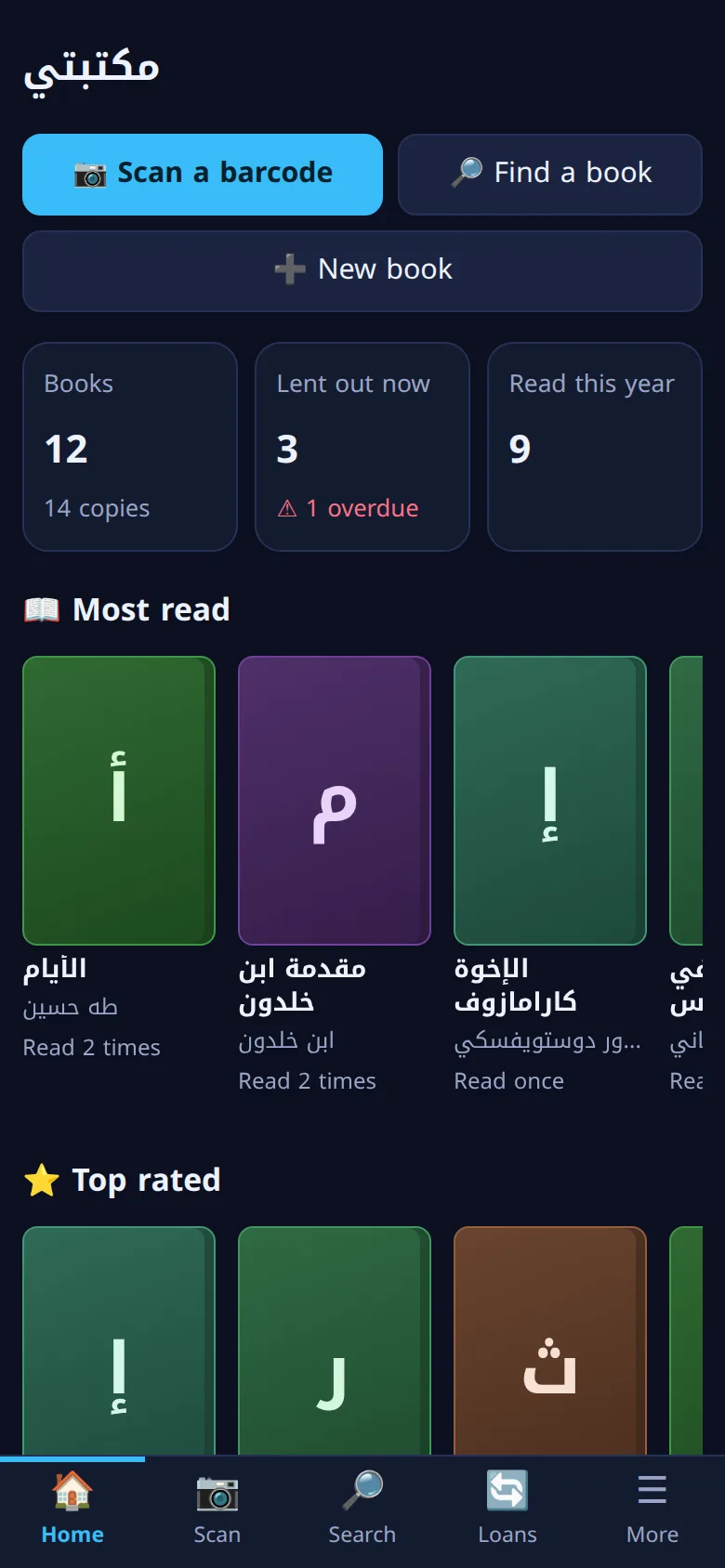
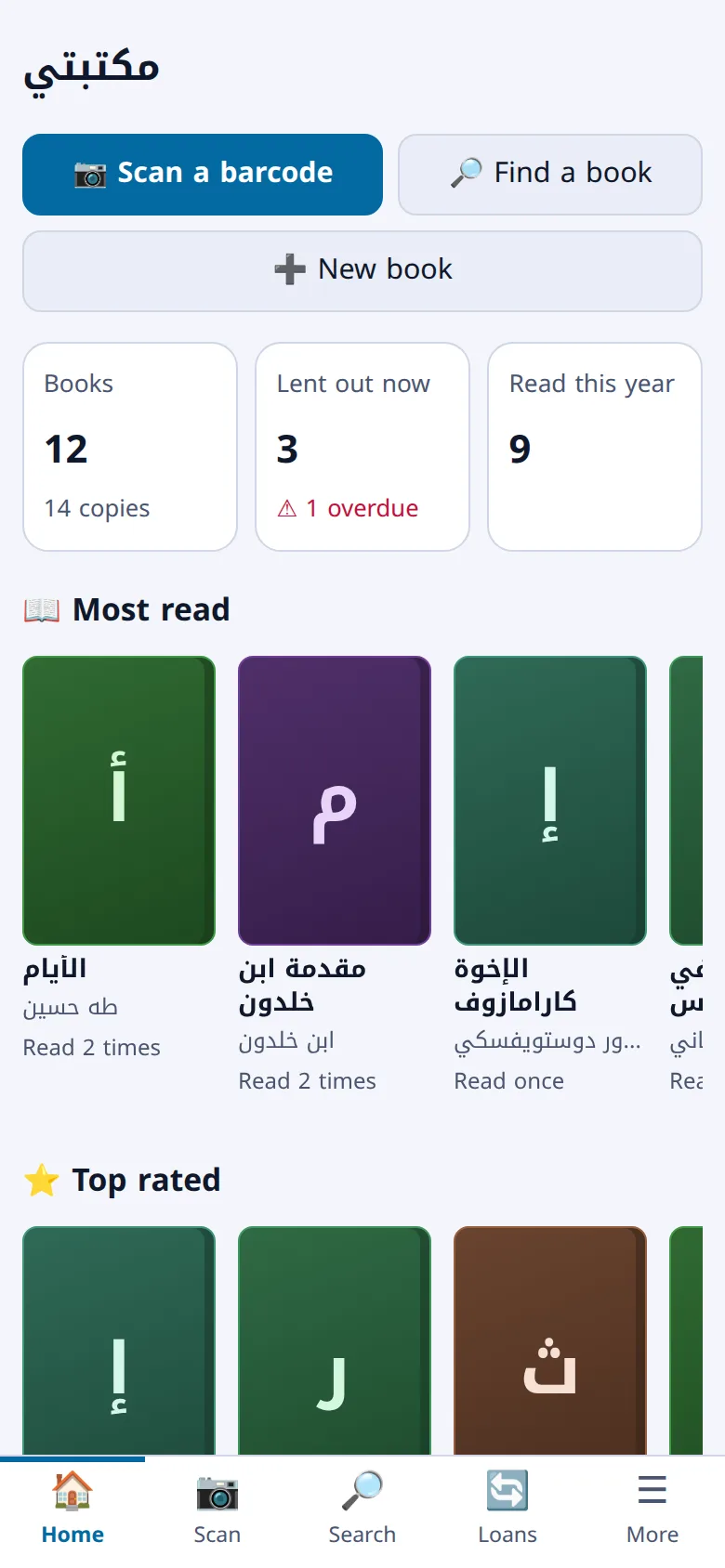
Maktabty (مكتبتي, “my library”) is a system for home libraries and small libraries: scan a book's barcode with your phone camera and it is added to your library, and you know where every copy is, who borrowed it and when it is due back.
Already have a library? Sign in
- Families
- Schools
- Mosques
- Clubs
- Community libraries
What does Maktabty do?
Everything on this page works in the app today.
Camera scanning
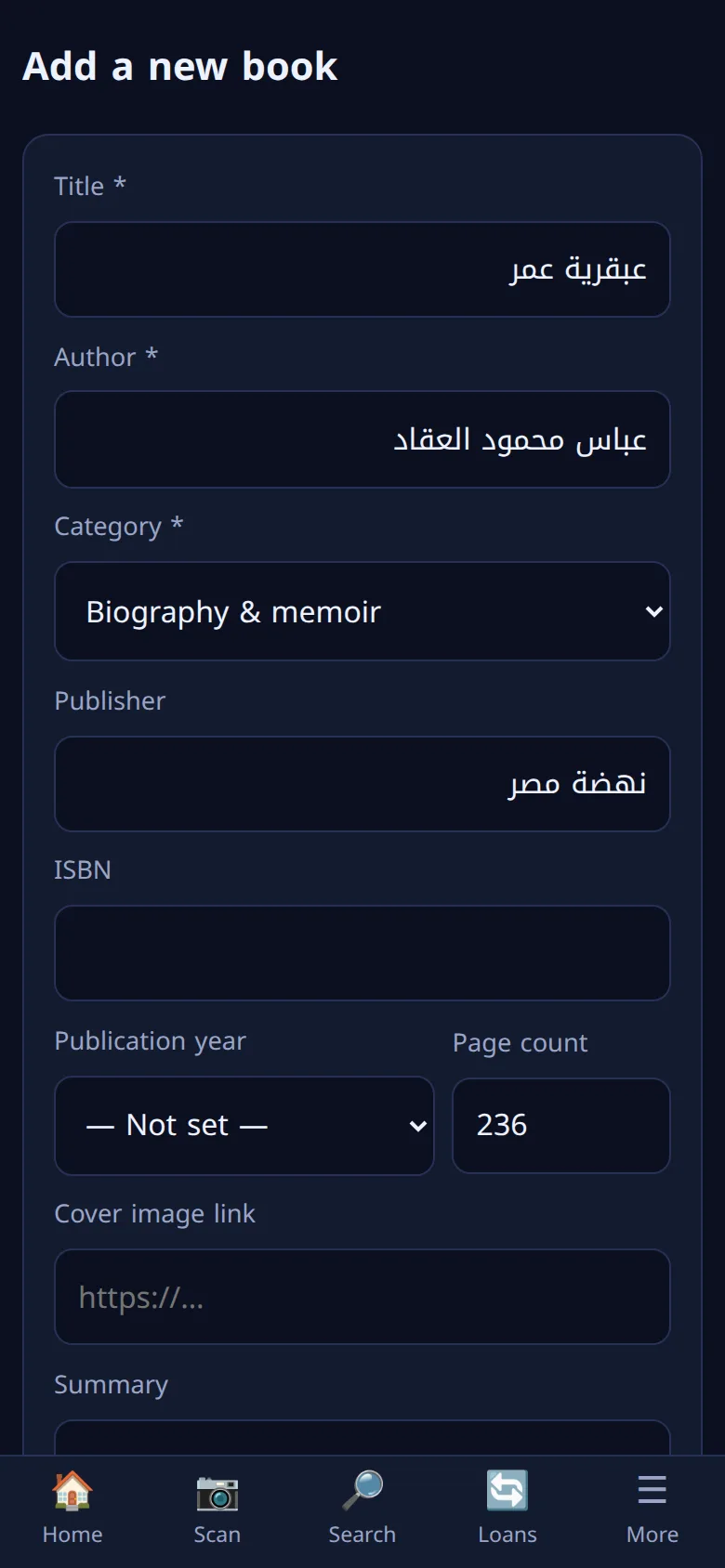
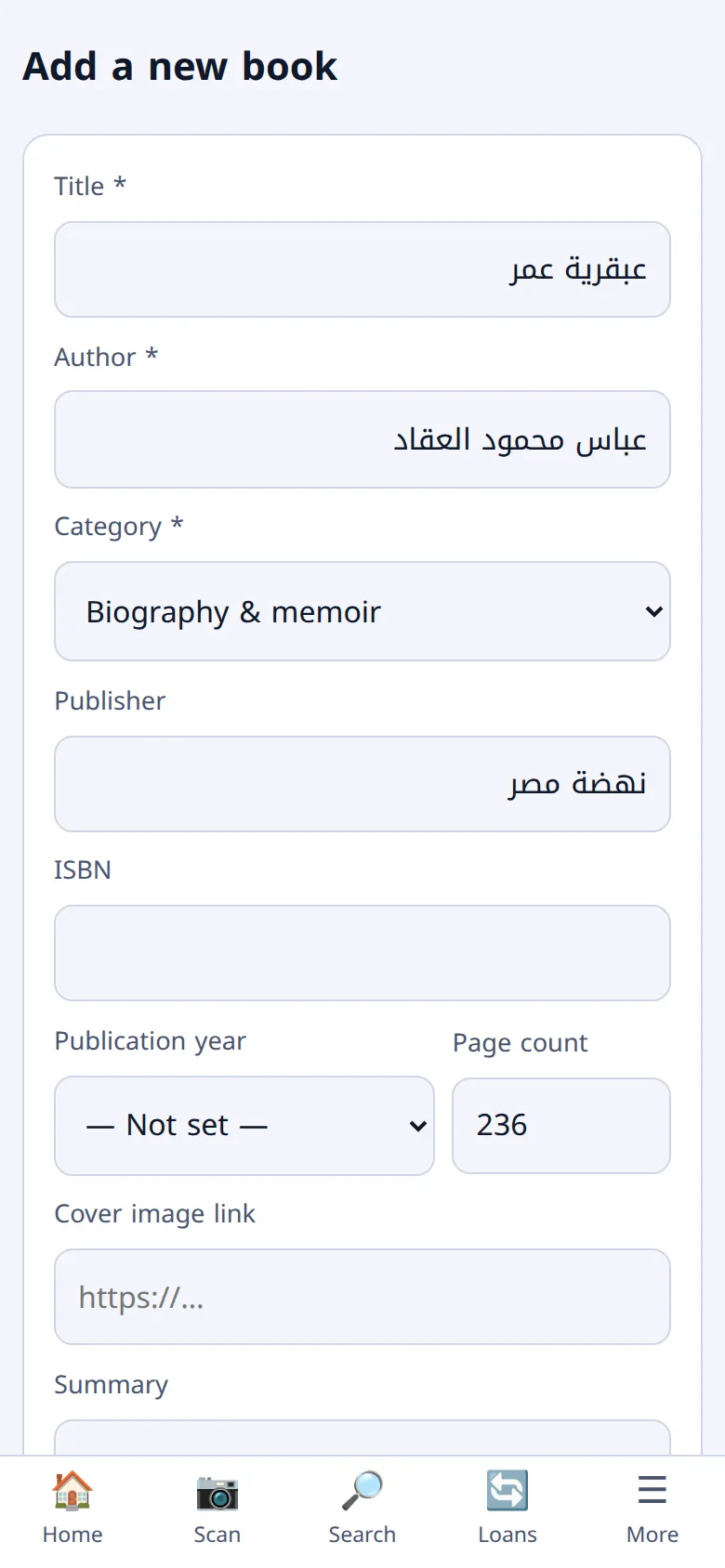
Scan the barcode and the book is added
Point your phone camera at the book's barcode (ISBN). The app looks it up in open book catalogues and fills in what it finds; you review it and save. Every copy gets its own number and a barcode label you can print, so later you scan the label and land on that copy.
Cabinets and shelves
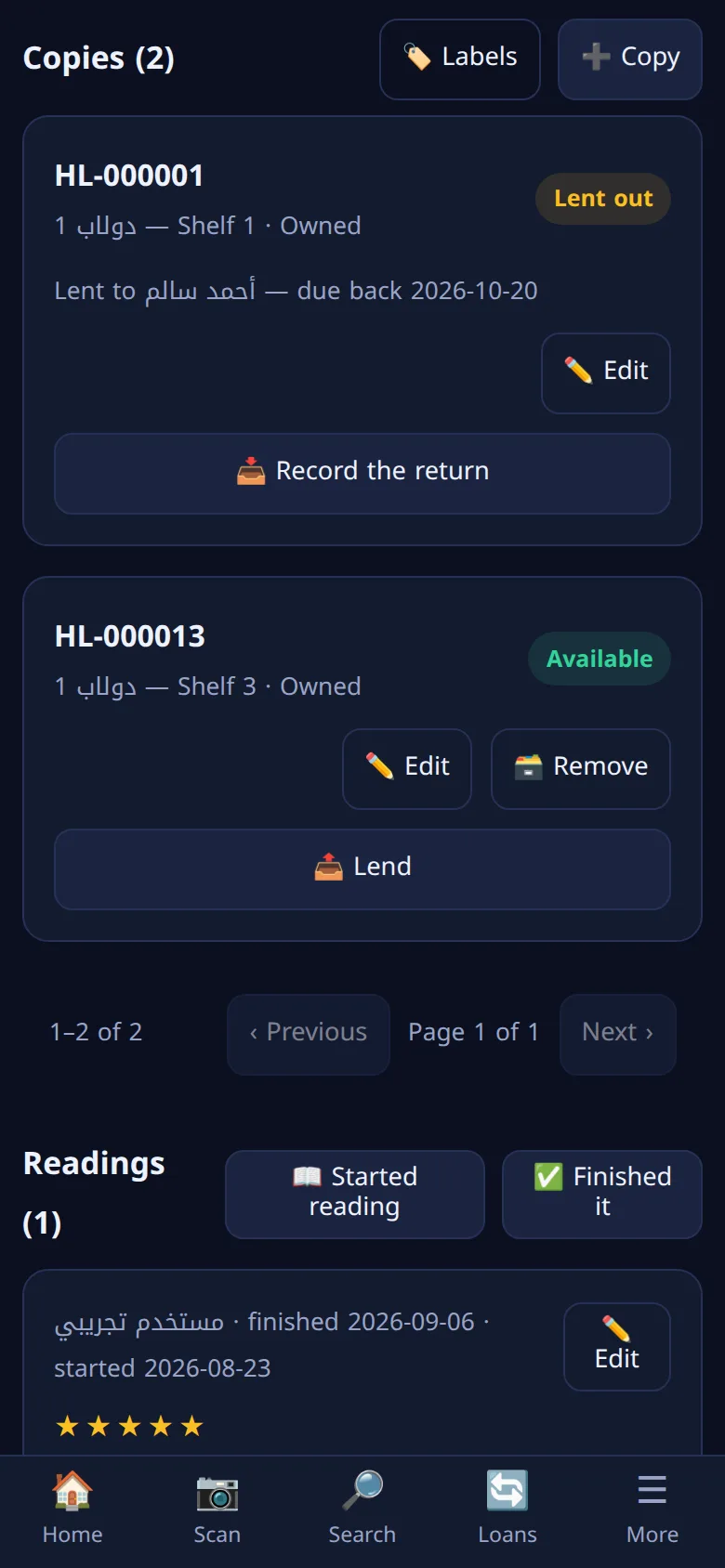
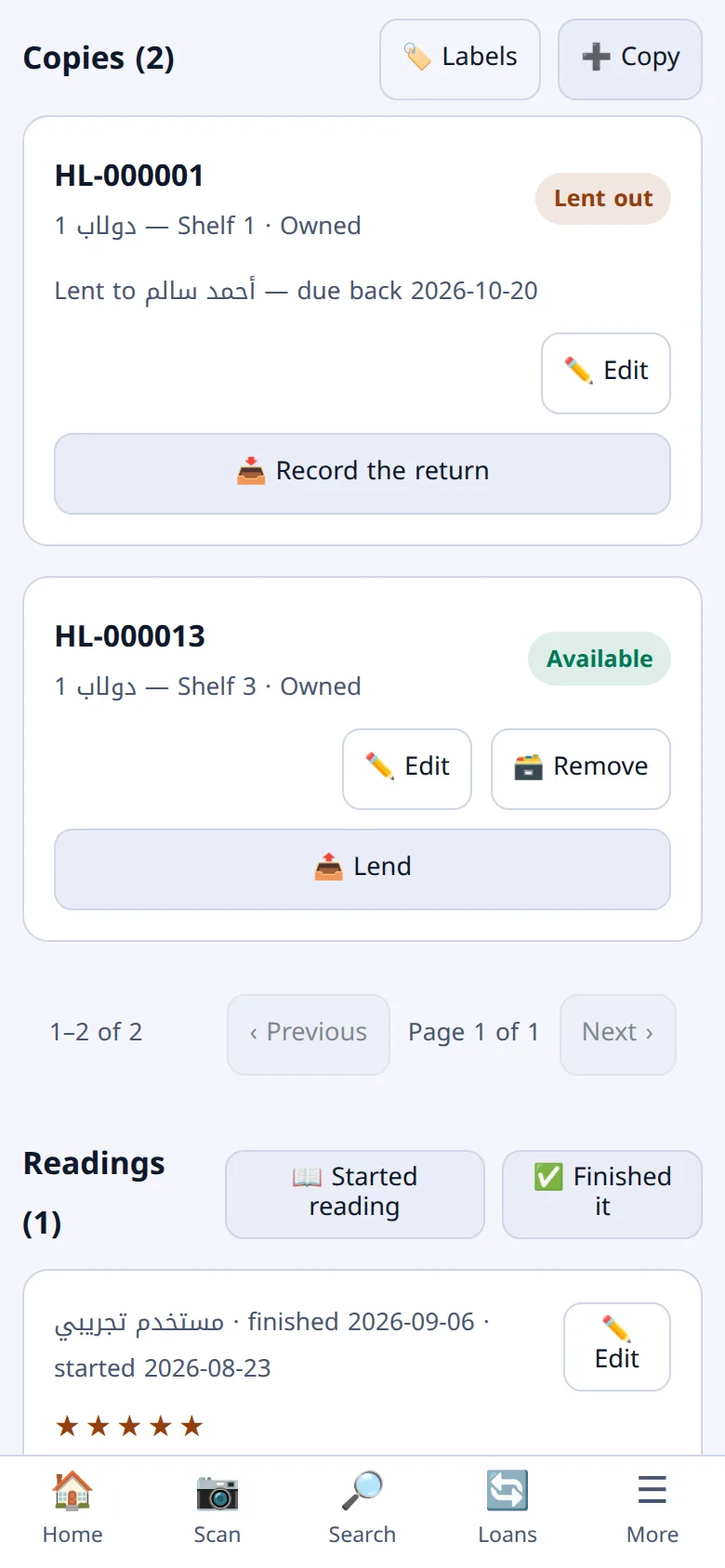
Know where every copy is
A book is one thing and a copy is another: two copies of the same book each have their own place and condition. Arrange your library into cabinets and shelves, put every copy in its place, and never look for a book twice.
Lending and borrowing
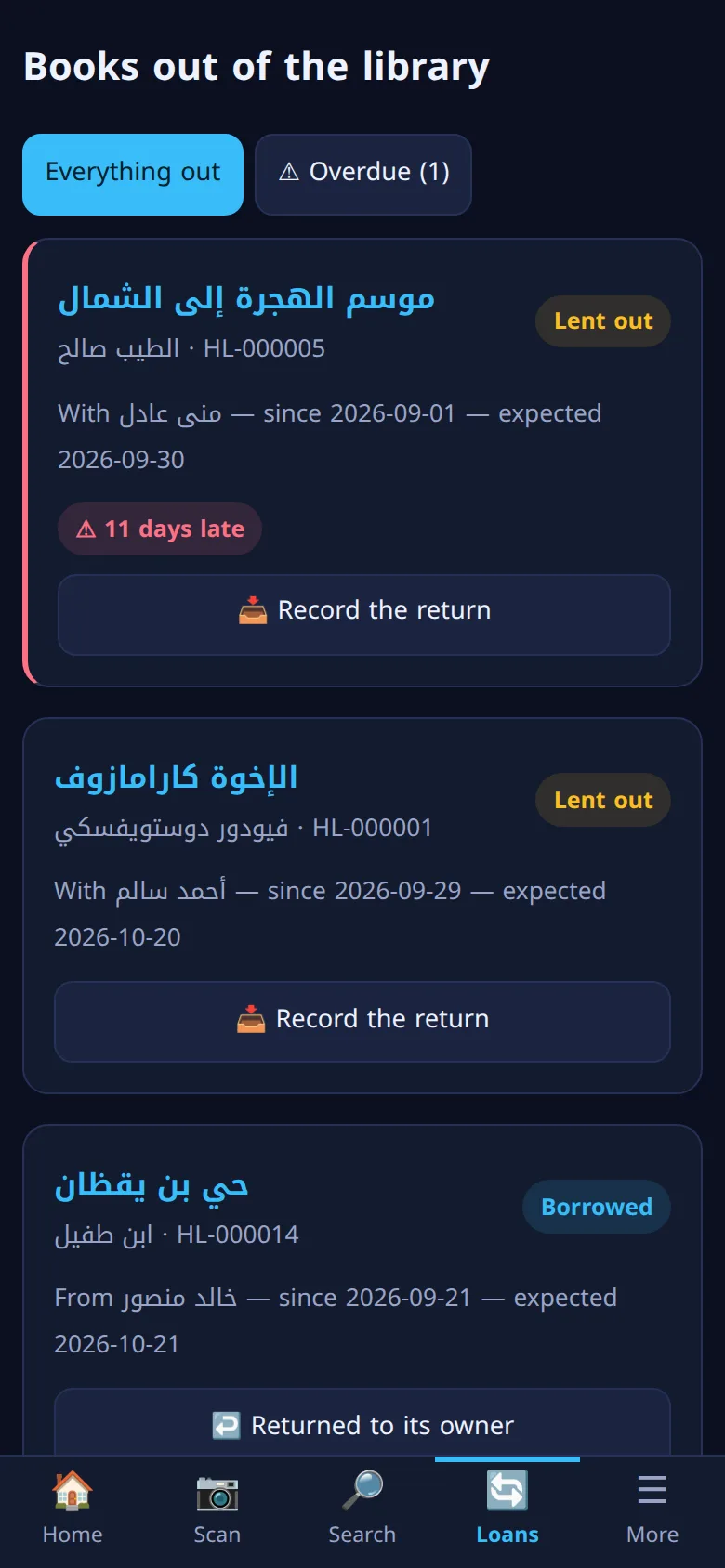
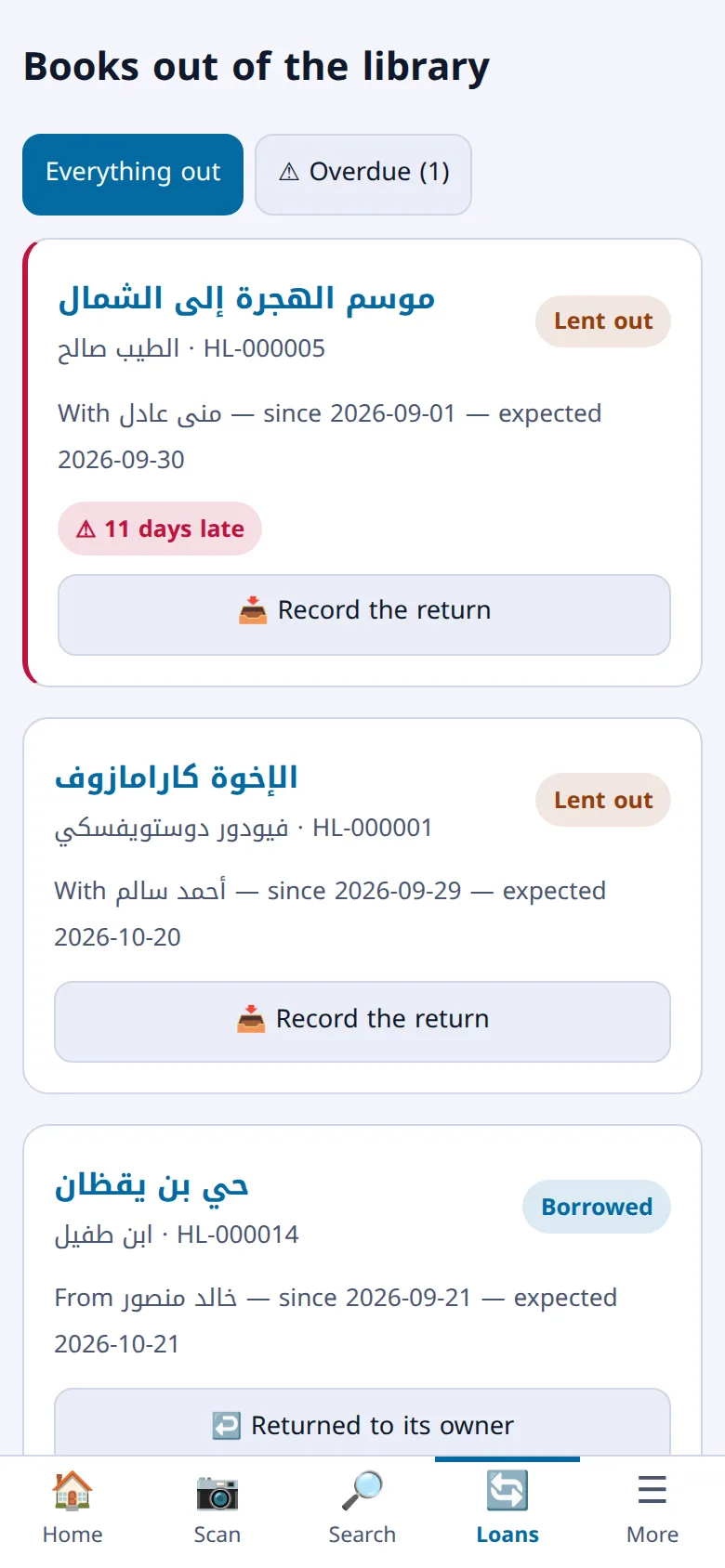
Lend your books and remember who has them
Record who borrowed a copy and when it is due back, and record what you borrowed from someone else. Books that are out of the library are in one list, and the late ones show how many days overdue they are.
Reading log
What you read, and what you thought of it
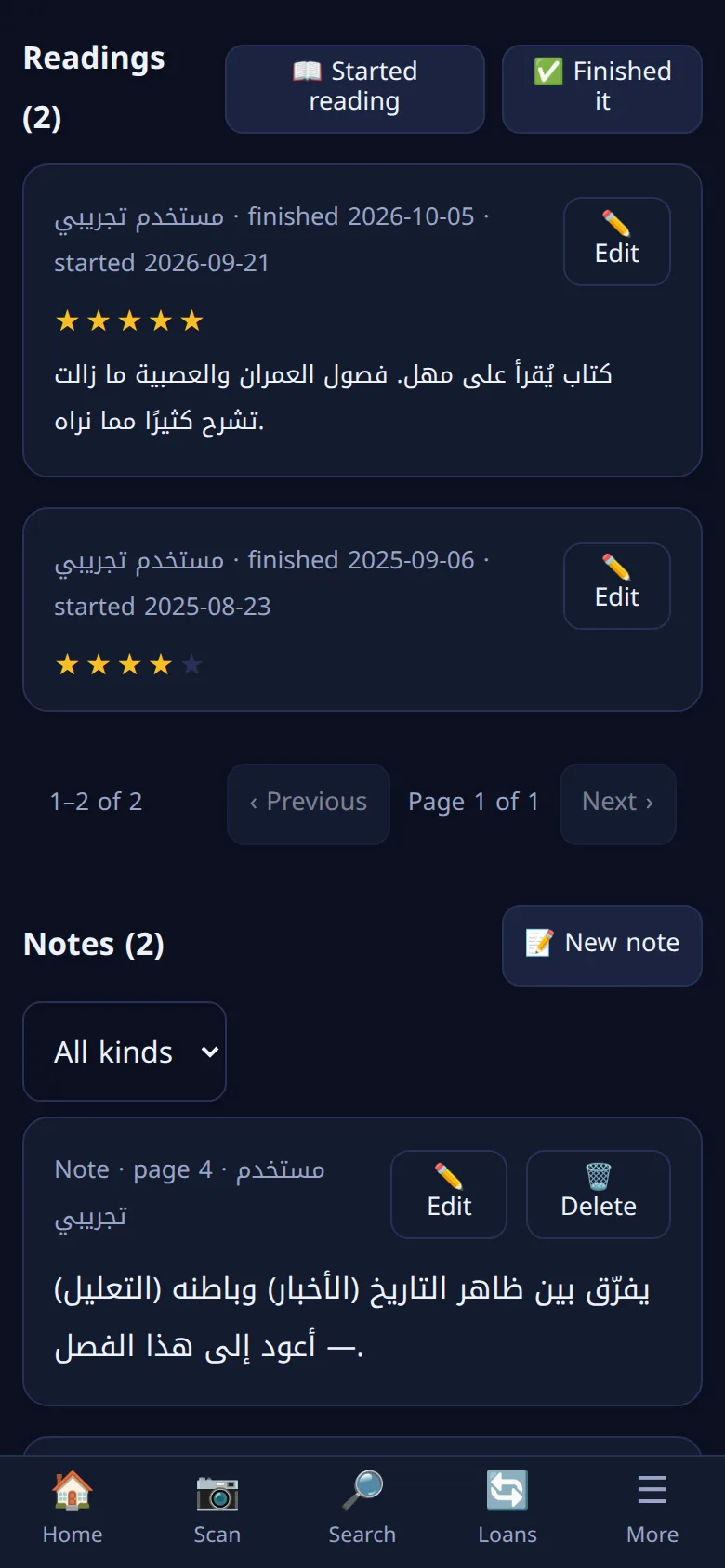
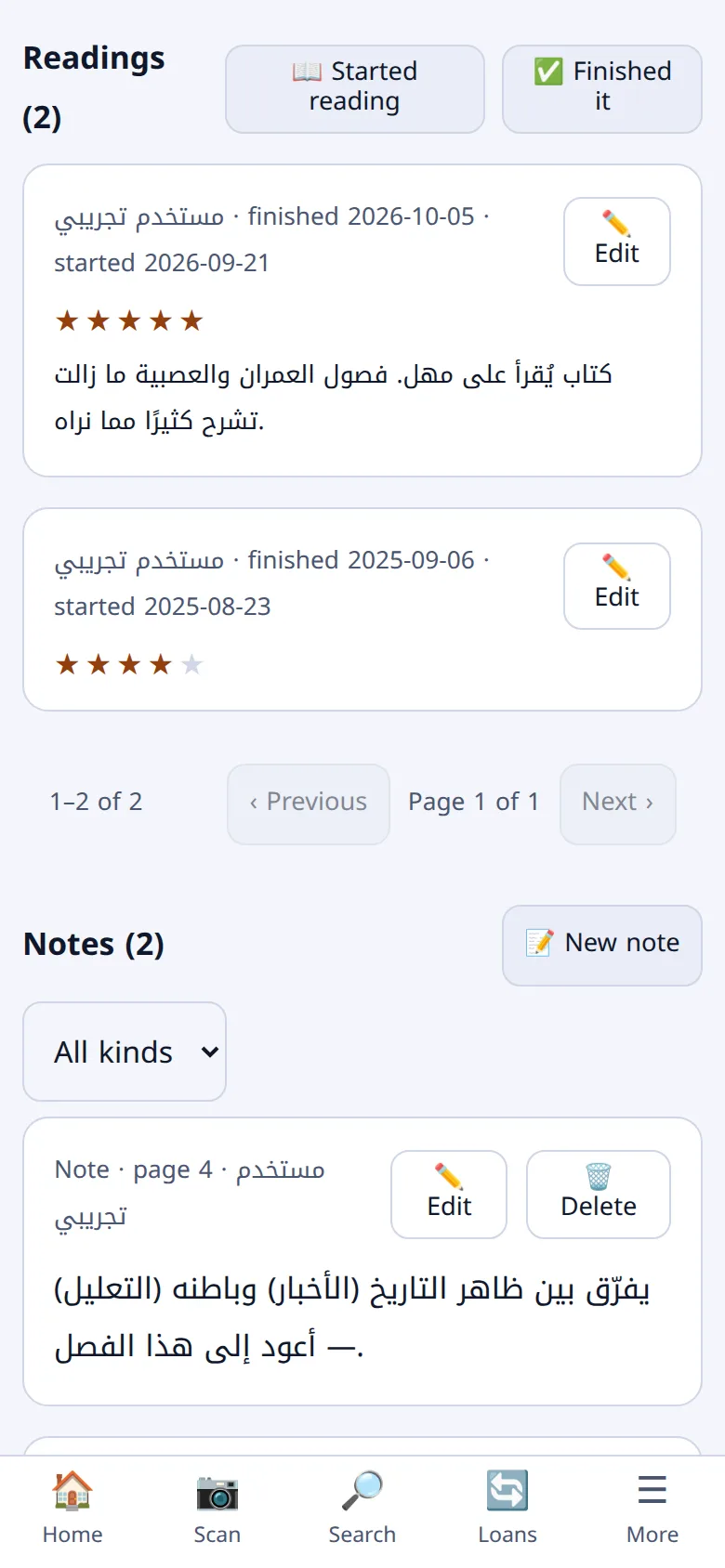
Log your readings with their dates and your rating, keep notes and quotes on every book, and follow your reading statistics across months and years.
Search that understands Arabic
Type the way you type, and it finds the book
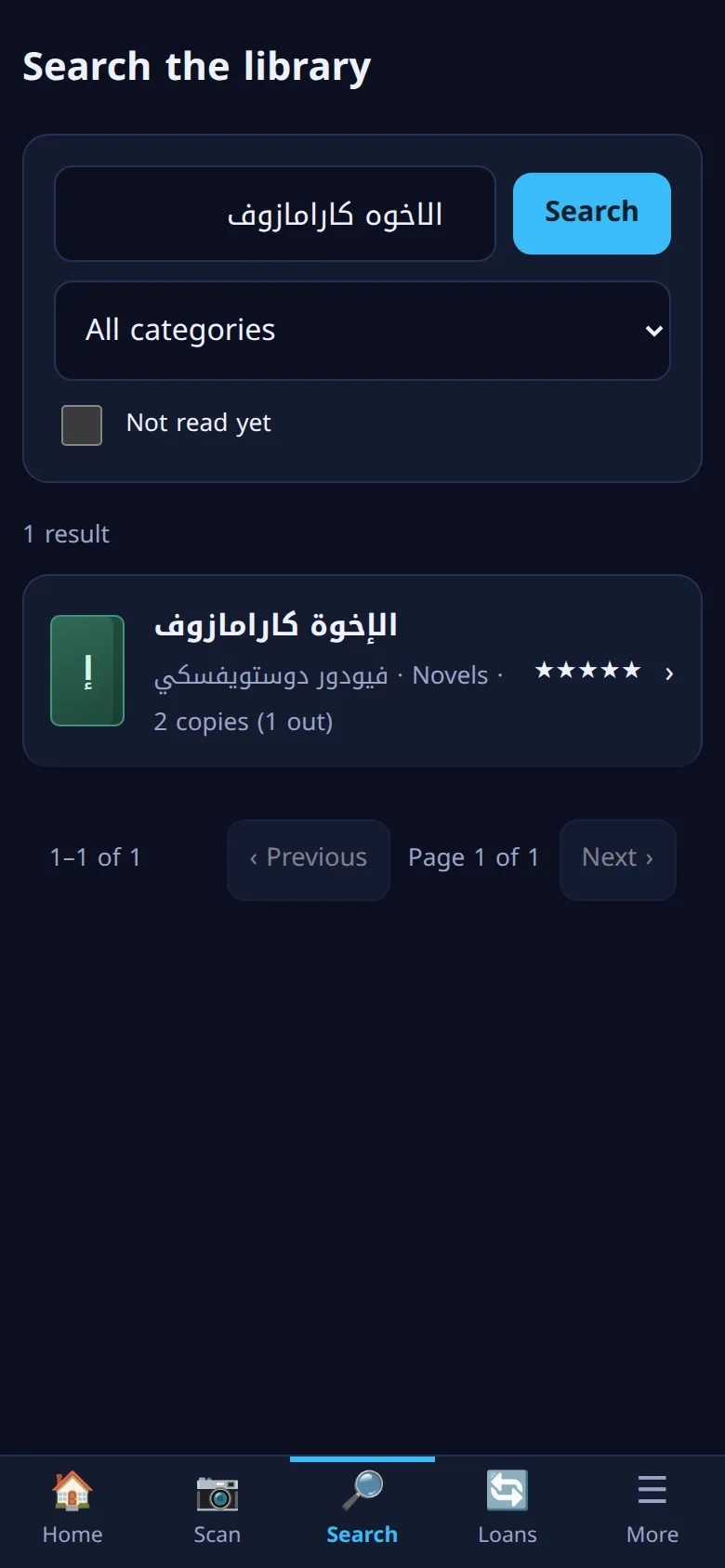
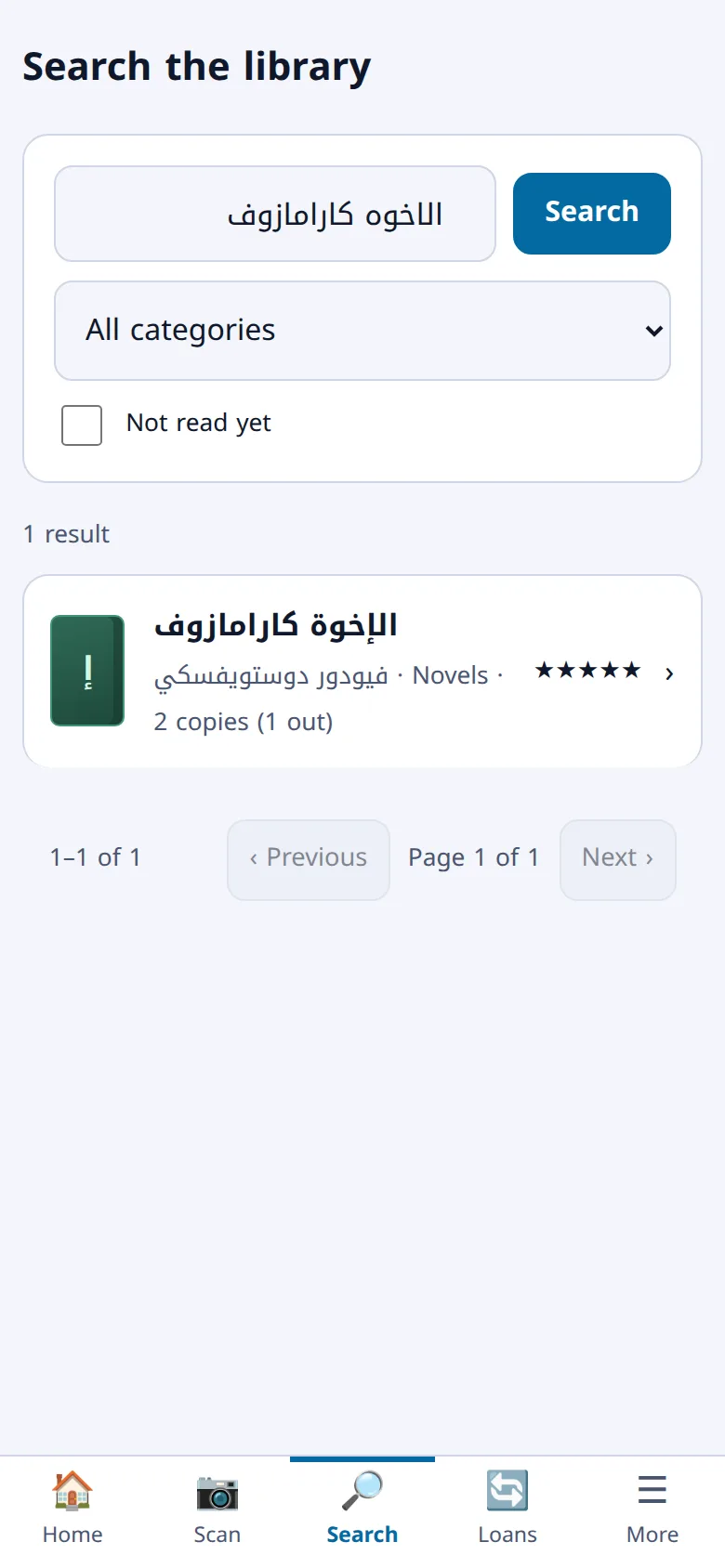
Search ignores diacritics, elongation and the different spellings of hamza and ta marbuta: type «الاخوه كارامازوف» and you find «الإخوة كارامازوف».
Technical support
A question or a problem? We're here
Our support team helps you from the first book you add: with setting up your library, and with any question or problem you run into. Write to us from the contact page and we reply to your email address.
And also
An app on your phone
Install it on your home screen from the browser, with no app store, in light and dark modes.
Members and roles
Invite your family or your library's team and decide what each of them can do: reader, librarian, or a role you design.
Barcode labels
Print a label for every copy with its number and stick it on the book, to scan when lending and returning.
Your data is yours
Export your library and your readings at any time: a CSV file in Goodreads format, or Markdown files you can open in Obsidian.
How do you start?
A home library is free, and it takes a minute to start.
-
Sign up
Your email, your library's name and a password, and you are in your library.
-
Scan your first book
Point the camera at the book's barcode, or find it by its title, then save.
-
Invite your members
Add your cabinets and books, and invite the people who share the library by email.
Plans
A free plan for the home, and paid plans for larger libraries. The subscription is per library, and member accounts are free.
Loading the plans…
Ready to put your library in order?
A home library is free forever; larger libraries have paid plans.